The Kinetic Lab
A Robot Oasis
Robotics resources, tools, kits, fun & knowledge — curated for learners, builders, innovators and curious minds.
Trending Robotics Developments

Robotics for Curious Minds
Follow my X channel for fast, digestible updates on the latest breakthroughs in robotics — from new humanoid systems and industrial automation to cutting-edge research and AI-driven machines. Stay ahead of where robotics is actually going, not where headlines say it’s going.
Robots Only Youtube

Dedicated YouTube Channel Just for Robotics Content
Curated YouTube video playlist centered around robotics-related content
New to Robots?
Begin building, learning, and experimenting with robotics — even if you’ve never touched a motor before

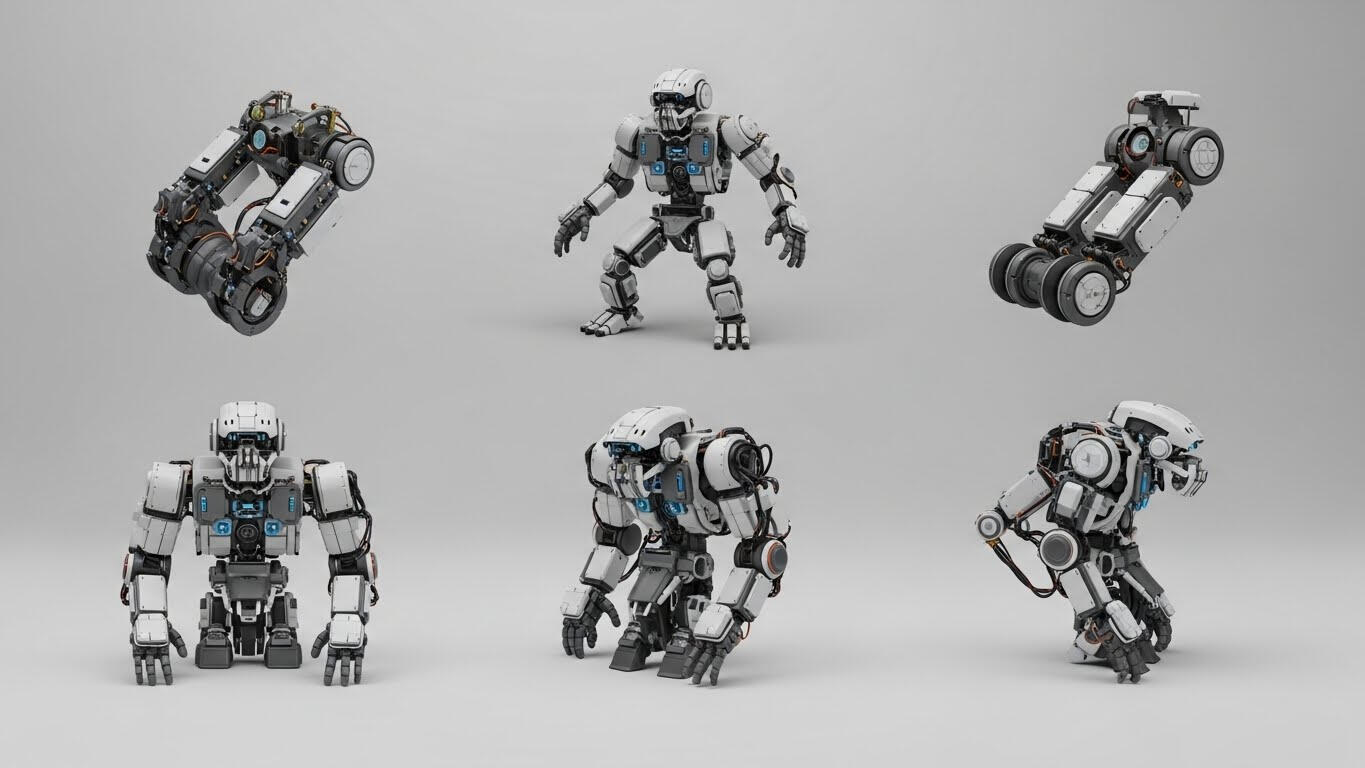
Advanced Concepts
Dive deeper into the technologies driving the next generation of robots.
Tips & Best Practices for First-Time Robot Builders
Getting into robotics is exciting, but beginners often run into the same challenges: wiring confusion, unstable power, odd sensor readings, or code that doesn’t behave the way tutorials promised. These tips will help you avoid early frustration and build confidence faster.Start Simple (and Scope Small)
Your first robot doesn’t need to navigate a maze or balance on two wheels. Begin with a single sensor or actuator—like blinking an LED, reading a distance sensor, or driving a servo—before combining systems. Each layer teaches a skill you’ll reuse later.Learn the Fundamentals in a Useful Order
Robotics combines several disciplines. Learning them in the right sequence makes everything click:
• Basic Electronics — voltage, polarity, power, ground
• Microcontroller Basics — uploading code, pins, PWM, digital vs analog
• Actuators — motors and servos
• Sensors — interpreting data from the world
• Power Management — batteries, regulators, current draw
• Communication (optional early on) — I²C, SPI, UARTYou don’t need to master everything at once—just layer skills as you build.Expect to Troubleshoot (It’s Normal)
Robotics rarely works the first try. The key is learning how to debug without guessing. A simple workflow is:
• Check Power — Is everything powered with the correct voltage/current?
• Check Wiring — Are grounds common? Are signals going to the right pins?
• Check Code — Does your code assume a different pin or logic level?
• Test Subsystems — Test motors, sensors, and communication separately
• Change One Variable at a Time — Never fix everything at once
Small steps = fast recovery.Common Beginner Mistakes (and How to Avoid Them)
❌ Jumping into complex builds too early
→ Start with guided kits or simple modules to build intuition.
❌ Ignoring power requirements
→ Motors and logic rarely share power cleanly. Use regulators and know your current draw.
❌ Skipping datasheets
→ Even skim-reading pinouts and voltage limits saves hours—and hardware.
❌ Copying code without understanding
→ Use examples, but modify them so you learn what’s actually happening.
❌ Not testing as they assemble
→ Build in stages. Debugging a half-finished maze-solving robot is misery.Take Advantage of Existing Tools & Resources
Robotics is easier today because beginners have access to:
• Starter tutorials & build guides
Simulators for testing code
• Community forums
Example libraries & sample code
• Beginner-friendly microcontrollers (Arduino, Micro:bit, Pico, etc.)These remove friction so you can focus on learning core ideas instead of reinventing the basics.The Mindset That Leads to Success
Beginner robotics is less about talent and more about approach:
✔ test early and often
✔ break problems down
✔ expect failure (and learn from it)
✔ document what you tried
✔ celebrate working steps, not just finished projectsIf you approach robotics like a scientist—not a perfectionist—you’ll progress much faster.
What you’ll find below:
Starter Kits — curated, beginner-friendly kits that let you build something right away.
Basic Components — motors, sensors, controllers, and microcontrollers explained without jargon.
Learning Guides — video tutorials, walkthroughs, and step-by-step build projects.
Software & Tools — simple programming environments and simulators for first robots.
If you’re new, start here—and use the resources below to go from “curious” to “building.”
Resources
Some links below are affiliate links. If you make a purchase, I may earn a small commission at no extra cost to you.
Kits & Starter Robots
Makeblock mBot2: STEM Education Coding Robot Kit for AI Learning - A versatile beginner‑friendly build that teaches robotics and coding using both graphical and Python programming. Easy to assemble and expand with additional sensors and parts — great “first robot” for learners of all ages.
OSEPP Robo Pro Robotic Basics Kit - A solid introduction to robot assembly, programming, and basic electronics. Durable components and intuitive coding interfaces make this a great choice for young teenagers or adults who want structured lessons.
V2.1 Robot Car Starter Kit for Arduino - More advanced than a basic starter but still great for beginners ready to grow. Build eight different robots and learn coding fundamentals alongside real robotics projects.
Components & Sensors
Arduino Uno Starter Board — foundational microcontroller for robotics projects
Ultrasonic Distance Sensor — simple sensor for obstacle detection projects
Servo Motor Pack — basic actuators for motion and control experiments
Software & Tools
Arduino IDE — primary programming environment for Arduino-based projects
Tinkercad Circuits — beginner-friendly simulation platform for electronics & robots
Raspberry Pi OS + GPIO Libraries — essential software for Pi-based robotics projects
AI & Robotics
OpenAI Gym / Robotics Simulation— virtual environment for AI-driven robot experiments
NVIDIA Jetson Nano Starter Kit — embedded AI computing for small robotics projects
Python Robotics Tutorials — practical code-based tutorials to integrate AI and motion. Example GitHub Python robotics repo: https://github.com/python-robotics/python-robotics
Robot Operating System (ROS) Python support: https://www.ros.org
Education & STEM
LEGO Education SPIKE Prime — beginner-friendly kit for schools & STEM programs
VEX Robotics Classroom Kit — structured educational robotics platform
Online STEM Learning Platforms — robotics lessons, tutorials, and beginner challenges (e.g., Coursera, Khan Academy modules)
Coursera (robotics courses) — https://www.coursera.org/browse/engineering/robotics
Khan Academy (science & computing) — https://www.khanacademy.org/
About the Kinetic Lab
Launched in 2026 by Edison Kent, The Kinetic Lab is purpose build to aid curious minds in taking the first step into their new lives as robotics enthusiasts. If you enjoyed or found useful the content of this site, follow me on X for additional robot related news and developments!